Apply a decal to a model


-
Choose the View tab→Style group→Decal command
 .
. -
Click a planar face or reference plane.
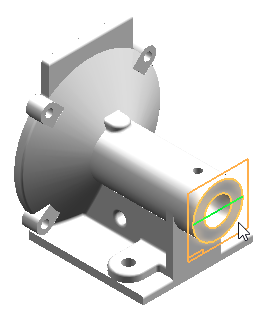
-
On the General page (Insert Image dialog box), specify the image file to insert and the insertion method.
Tip:-
If you select the Browse button to locate an image file using the Open a File dialog box, set the Files of type list to All Image Files (*bmp,*.png,*.jpg,*.jpeg,*.jpe,*,tif,*.tiff).

-
-
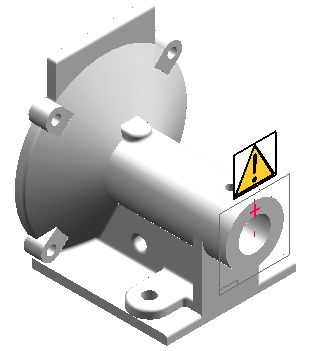
Use relationships and dimensions to position the decal and constrain it from moving on the face.

-
Click the Close Sketch button
 .
. 
-
Click the face on which you want to project the image.
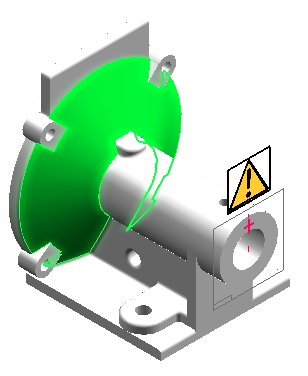
-
Click Accept
 .
. The image is projected onto the selected face.
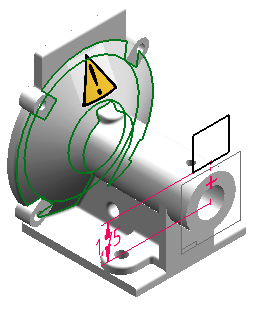
-
Click Finish.
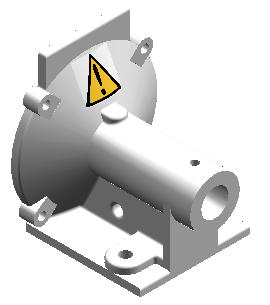
A Decals group is added to PathFinder and the decal is projected onto the face.
© 2021 UDS