Locked dimensions


Sketch dimensions are placed as driving. A driving dimension is colored red. A driving dimension is also referred to as a locked dimension. A locked dimension cannot change unless it is edited directly. As sketch geometry is modified, a locked dimension does not change.
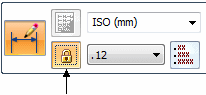
Change a dimension to driven (or unlocked) by selecting the dimension and then clicking the lock on the Dimension command bar. A driven dimension is colored blue. A driven dimension value cannot be selected for editing. It must be changed to a locked dimension to change its value directly.
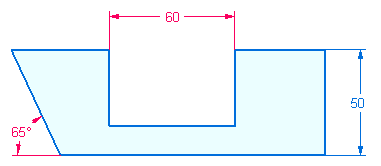
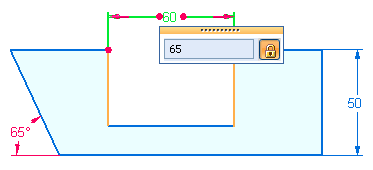
To change a dimension value of a locked dimension, click the dimension value and enter a new value.
© 2021 UDS